-
iCagenda
-
iCagenda - English
-
General settings problems.
General settings problems.
-
frode
-
 Topic Author
-
Junior Member
-

Less
More
-
Posts: 2
-
Thank you received: 0
-
-
-
-
12 years 8 months ago #6661
by frode
Im using Joomla version 3.1.1.
And iCagenda™ v 3.2.13
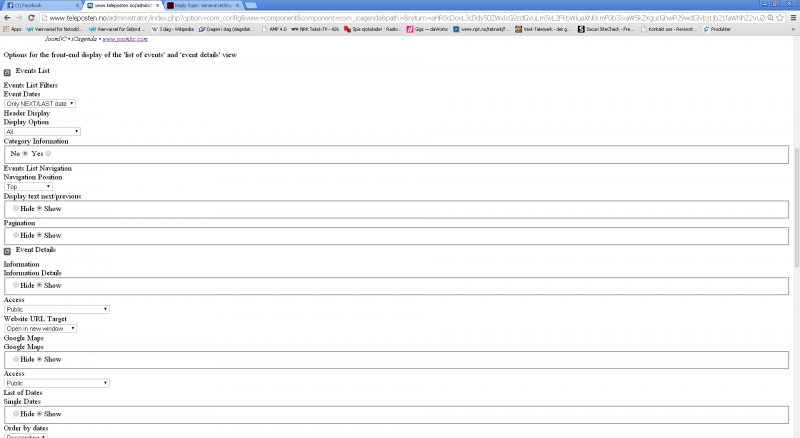
I can not get into general settings for iCagenda, there is no save button after changing settings. It does not look like it should do either on that page.
If this problem can be fixed, then i will buy the module because its realy great.
Please Log in or Create an account to join the conversation.
-
frode
-
Topic Author
-
Junior Member
-
Less
More
-
Posts: 2
-
Thank you received: 0
-
-
-
-
12 years 8 months ago #6695
by frode
Upgraded to iCagenda™ v 3.3.0 today this did not solve the general settings page for iCagenda.
Look at attached png file that will show the options page, there is no button for saving settings.
Please Log in or Create an account to join the conversation.
-
Lyr!C
-

-
Administrator
-

-
Lead Developer
Less
More
-
Posts: 6971
-
Thank you received: 624
-
-
-
-
12 years 8 months ago #6696
by Lyr!C
Hello,
You are using a too old (and buggy!) version of Joomla 3!
iCagenda is working on minimum 3.1.4 version, but due to security releases of Joomla core, it's highly recommended to upgrade to 3.2.3! (much more better version!)
Best Regards,
Lyr!C
Latest version : iCagenda 4.0.17
Joomla! 4 > Joomla! 6
We recommend every user to keep iCagenda updated.
Support for iCagenda version 3.9 (the final version compatible with Joomla 3) ended on October 13, 2026
Extended security support for the iCagenda PRO 3.9 version until October 13, 2027 (to benefit from this extended support, you must have a Pro subscription: www.joomlic.com/extensions/icagenda)
Don't forget to have your Joomla!® up-to-date!
Do you like iCagenda?
I would appreciate if you could take 5 minutes to post a review on
JED (Joomla Extensions Directory)
.
Please Log in or Create an account to join the conversation.
-
Fiermax
-
-
Junior Member
-
Less
More
-
Posts: 3
-
Thank you received: 0
-
-
12 years 7 months ago #6863
by Fiermax
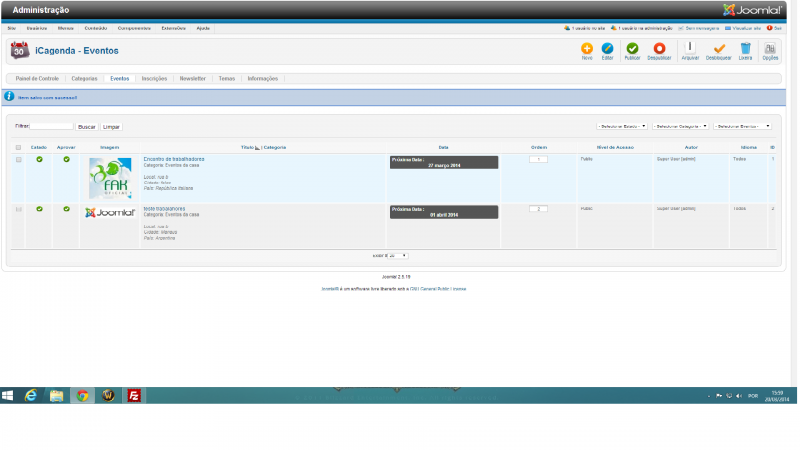
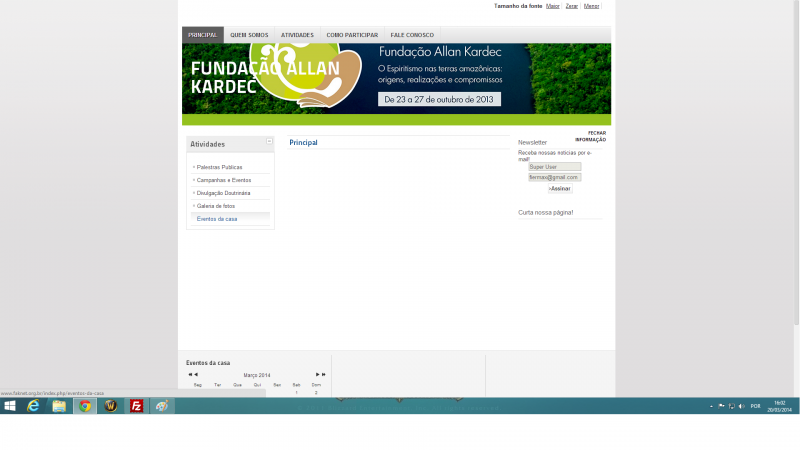
I have same error... But im using joomla 2.5.19.
Do i need update my joomla for version 3?
Please Log in or Create an account to join the conversation.
-
Lyr!C
-
-
Administrator
-
-
Lead Developer
Less
More
-
Posts: 6971
-
Thank you received: 624
-
-
-
-
12 years 7 months ago - 12 years 7 months ago #6873
by Lyr!C
Fiermax wrote: I have same error... But im using joomla 2.5.19.
Do i need update my joomla for version 3?
Hello,
You really don't have the same problem, and upgrading to J3 won't change it.
iCagenda is working fine with Joomla 2.5.19.
You have an other problem.
Could you open a new topic, with an online link to view the problem ?
(but thanks to check first if menu link is really published

)
Lyr!C
Latest version : iCagenda 4.0.17
Joomla! 4 > Joomla! 6
We recommend every user to keep iCagenda updated.
Support for iCagenda version 3.9 (the final version compatible with Joomla 3) ended on October 13, 2026
Extended security support for the iCagenda PRO 3.9 version until October 13, 2027 (to benefit from this extended support, you must have a Pro subscription: www.joomlic.com/extensions/icagenda)
Don't forget to have your Joomla!® up-to-date!
Do you like iCagenda?
I would appreciate if you could take 5 minutes to post a review on
JED (Joomla Extensions Directory)
.
Last edit: 12 years 7 months ago by Lyr!C.
Please Log in or Create an account to join the conversation.
-
iCagenda
-
iCagenda - English
-
General settings problems.
Time to create page: 0.056 seconds